WAVEROOM MASTERING · ADAPTIVE AUDIO MASTERING

Your music,
finished beautifully.

Choose a track → automatic analysis → A/B compare. New accounts include 1 free master.

Waveroom

Upload your track

Drop a file here or choose from your device

WAV · MP3 · FLAC · AIFF / UP TO 200 MB · 96 kHz
WHY WAVEROOM

Hear the difference in your own track.

Waveroom analyzes your track to shape its tone and dynamics. Compare the original with your master, then fine-tune the sound to your taste.

  • Original / master A/B
  • Fine-tune your sound
  • Right in your browser

I like the approach of analyzing a track’s character first instead of applying the same settings to every song. Each piece of music needs a different finishing touch.

Lee Seung-jooComposer of the Guardian: The Lonely and Great God

Once a track is finished, you want to put the final touches on its sound. I like being able to start mastering without complicated preparation, listen alongside the original, and choose the result I want.

Lee Myoung GunProfessor, Department of Applied Music, Seoul Institute of the Arts

I like being able to get straight to work without installing new software. Finishing your music doesn’t need to be complicated.

QSOUNDLee Seong-jaeDirector / Audio Engineer

It’s practical to process several tracks together and review each result individually. It’s useful when you want to focus on the music rather than repetitive tasks.

Former Music Director at TJ Media / Mixing & Mastering Engineer
01

Mastering DSP, designed by Waveroom.

Our own EQ, compression and limiting are guided by your track’s balance and dynamics. Processing is reduced or bypassed where appropriate.

WAVEROOM DSP
WAVEROOMDSP
EQContourv1
Adaptive tone shaping
COMPRESSORCohesionv4
Parallel dynamic control
LIMITERPredictive TPv12
Predictive true-peak controlSparse Peak v2UPDATE
02

Precision analysis · Smart DSP chain

See your track’s loudness, peaks and tonal balance before choosing a preset. Processing adapts to the balance and dynamics of each track, with three distinct preset directions.

ANALYZE → ADAPT TO THE TRACK
A woman engineer adjusting a mastering analysis display
03

True Peak · A/B compare

Review the final loudness and true peak before downloading your master. Switch between the original and the master. Listen to the details and choose the result that suits your music.

VERIFY PEAKS → COMPARE IN PLACE
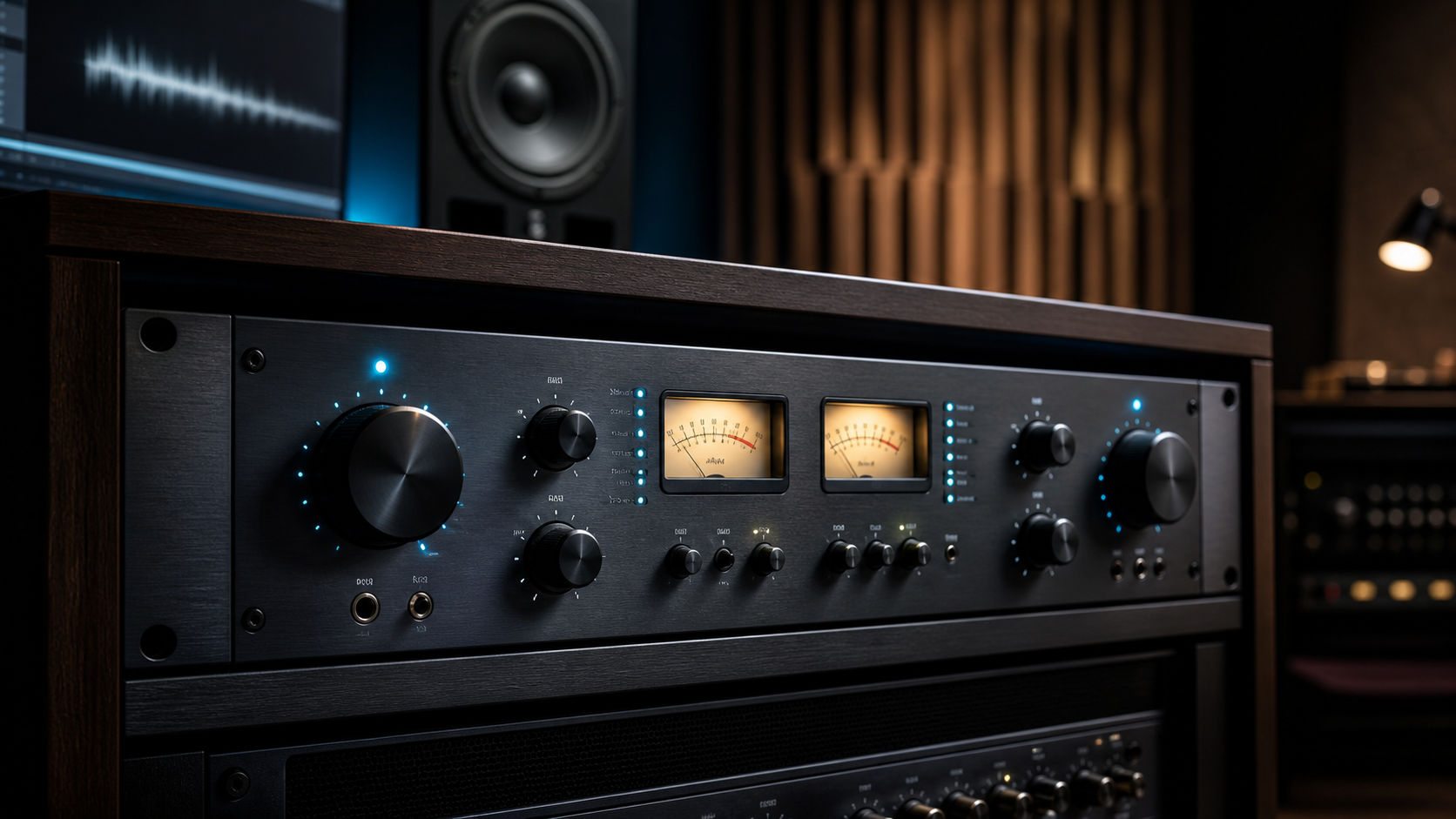
Analog mastering equipment and monitor speakers in a studio
04 / FINE TUNEUPDATE

Your master. Your finishing touch.

Shape tone, stereo width and level in EASY. Refine the five-band EQ, compressor and limiter in DETAIL. Compare with your original, then save the sound you choose as WAV.

EASY · DETAIL · WAV