How to compare the original and the master
Listen to the same passage in both versions. First, notice the level change. Then, when judging the sound itself, try a second comparison with playback volume manually adjusted to a similar listening level. The listening checks below are guidance, not claims of measured improvements in a particular demonstration.
Vocals and high frequencies: clarity without extra edge
Choose a vocal passage and listen to the words. Check whether consonants and cymbals draw more attention than you intended. When a brighter result also feels sharper, try a gentler adjustment and compare again.
Bass: definition as well as weight
Use a passage where the kick and bass play together. Listen for their separation, not just the amount of low end. Check whether the vocal still has space. A track that already has enough bass may suit a lighter touch rather than another boost.
Drums and dynamics: keep the movement you want
Compare a strong drum passage and a quieter section. After adjusting loudness, check whether the attacks and the contrast between sections still feel right. When you hear unwanted roughness or exaggerated pumping, compare against a less heavily processed version.
Hear the difference acrossfive consecutive A/B tests.
A real five-track test comparing the source and mastered result at the same playback position. Headphones make the differences easier to hear.
Watch the full video on YouTube ↗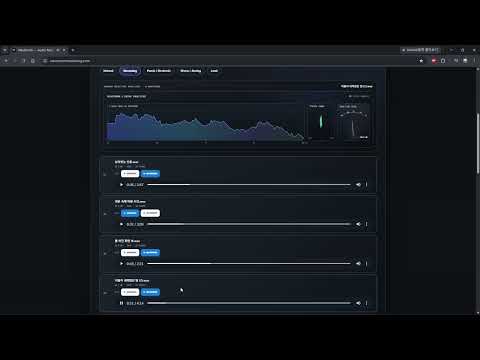
What can mastering do for Suno audio quality?
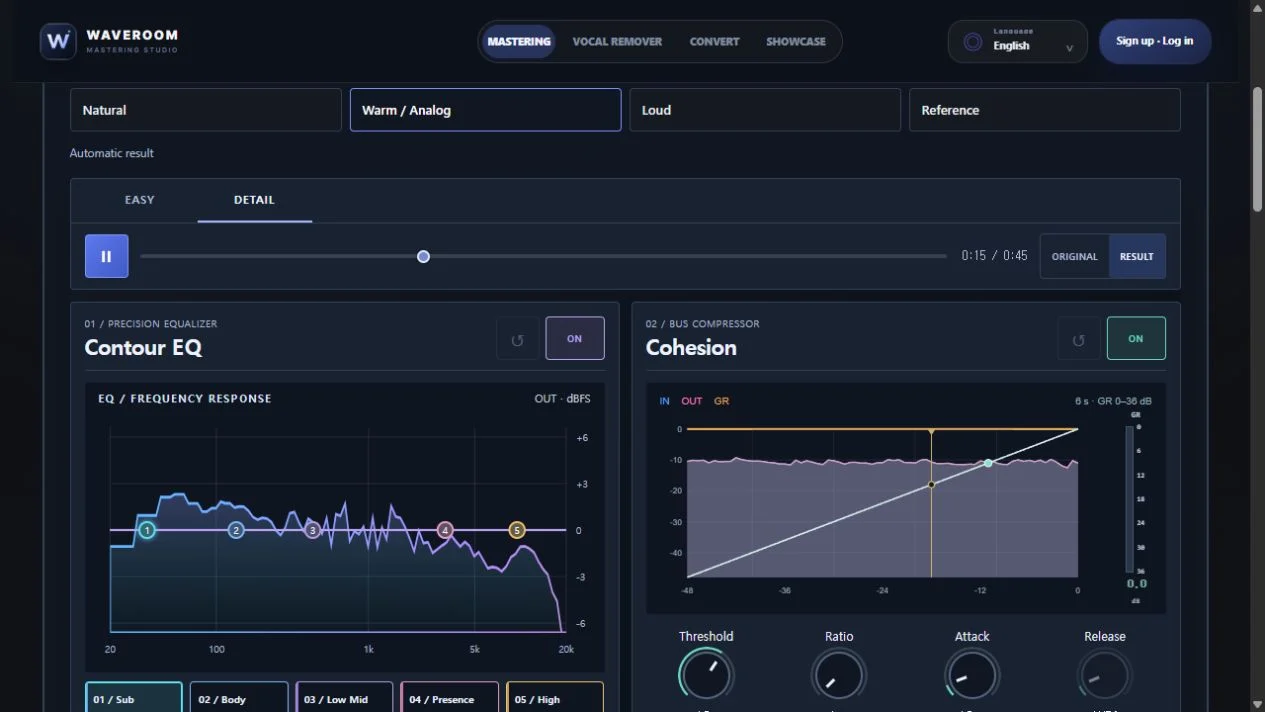
The mastering workflow described here adjusts the level, tone and dynamics of a finished track. Waveroom provides EQ, compression and limiting, with original-versus-master comparison to help you choose an appropriate finish.
It is not presented as a tool for rewriting lyrics, regenerating a vocal, restoring a missing instrument or removing every generation artifact. When a problem remains in the source, review the original version or the production stage rather than simply pushing the level higher. The aim is a suitable finish for this track, not an identical sound for every song.
Start automatically. Refine with Easy or Detail.
Audition the automatic master first. Use Easy to explore tone, bass, density, width and level, or move to Detail for finer control. Easy and Detail share the same settings, so keep comparing with the original as you work.
You do not need to adjust everything. Change one thing at a time to make each decision easier to judge. Before saving, compare the original with your current result again and check the strongest passage as well.